4.212.375TRY
+0.67%
Trade
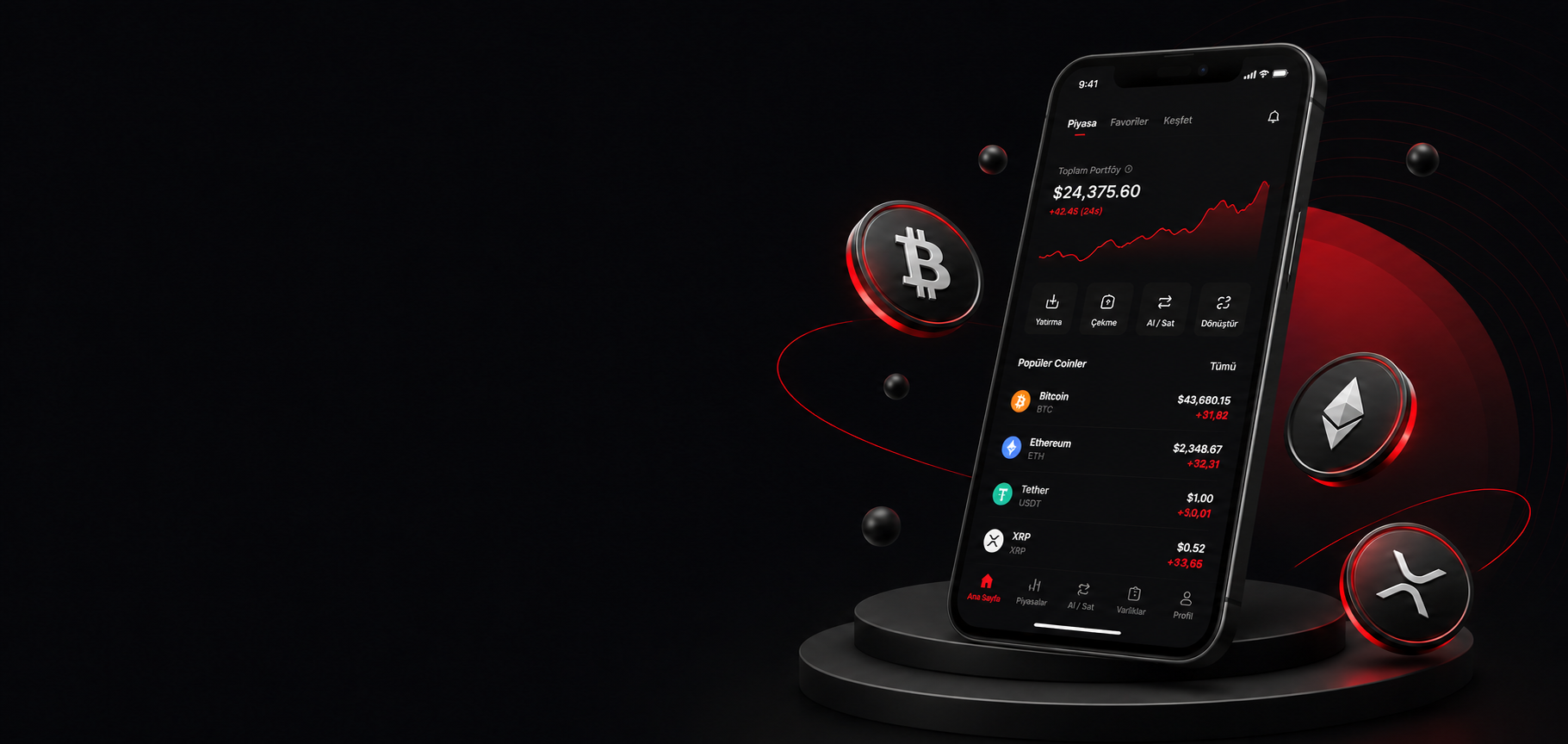
Trade crypto securely, fast, and easily. Step into the future of finance today.



 BTCBitcoin4.212.375 ₺▲+0.67%
 ETHEthereum133.209 ₺▲+0.66%
 USDTTether49,28 ₺▲+0.49%
 TRXTRON16,548 ₺▲+0.76%BTCBitcoin4.212.375 ₺▲+0.67%ETHEthereum133.209 ₺▲+0.66%USDTTether49,28 ₺▲+0.49%TRXTRON16,548 ₺▲+0.76%
Start your Bitcoin and crypto investments with DyoreX in minutes.
Create your free account in minutes.
Complete secure identity verification.
You can make an instant transfer from a bank account that matches your identity information.
Follow markets and start your first trade.
Do you already have an account?
Log InEasily find answers to the most frequently asked questions.
What is DyoreX?
DyoreX is a crypto asset trading platform operating from its headquarters in Istanbul since 2021. Acting with the vision of "Crypto for Everyone", DyoreX aims to provide secure, accessible, and user-oriented services to its users.
Through the platform, trading transactions of various crypto assets, particularly Bitcoin, can be carried out; users can access market data quickly and practically thanks to its user-friendly interface.
DyoreX focuses on improving user experience with its technological infrastructure, 24/7 customer support service, and TRY deposit and withdrawal opportunities through contracted banks. In addition, educational materials, market bulletins, and informative contents are provided within the platform.
Cryptology and Crypto Assets
Cryptology is the science of encryption that ensures the secure transmission and storage of information. The confidentiality, integrity, and accuracy of data are preserved through cryptographic methods.
Crypto assets are digital assets created on blockchain technology and secured by cryptographic methods. Transactions are recorded on distributed ledger technology and verified by network participants.
Bitcoin, which was launched in 2009, is considered the first successful blockchain-based crypto asset that operates without being tied to a central authority. Along with the development of Bitcoin, numerous crypto assets with different use cases have been developed today.
Crypto assets can be used in trading, value transfer, smart contracts, and blockchain-based applications. The security of transactions is provided by the consensus mechanism of the blockchain used and advanced cryptographic algorithms.
How do I create an account on DyoreX?
To complete your registration process, you can click on the “Create Account” button on the menu bar of our official website or the “Trade Now” button on the homepage.
After fully filling out the required information on the registration form, you need to read the DyoreX legal documents and check the relevant confirmation boxes.
After completing all the steps, you can click the “Create Account” button to complete your membership process.
How do I verify my email?
After creating your account, a 6-digit verification code will be sent to the email address you provided during registration. You can verify your email address by entering the incoming verification code in the relevant field on the “Verify Your Email” screen.
If the email has not reached you, you can check your spam/junk folder or use the “Resend Code” option after the time expires.
What is 2FA (Two-Factor Authentication)? How to Activate it?
Two-Factor Authentication (2FA) is an additional security layer that protects your account not only with your password but also with a second verification method. This way, even if your password is compromised by third parties, unauthorized access to your account is largely prevented.
To protect your account on DyoreX, you can use the following verification methods:
• Authenticator Application
• SMS Verification Code
• Email Verification Code
How to Activate 2FA?
• After logging into your account, go to Profile > Security page.
• In the Two-Factor Authentication section, click the Enable button next to the verification method you want to use.
• Complete the necessary verification steps according to your chosen method.
How to Set Up Authenticator?
To enable the Authenticator method:
• Click the Enable button on the Authenticator option.
• Select Continue on the information window that opens.
• Enter the verification code sent to your email address for security purposes.
• Scan the QR code displayed on the screen with Google Authenticator, Microsoft Authenticator, or a similar verification app. Alternatively, you can manually add the identification code located below the QR code to the application.
• Complete the process by entering the one-time verification code generated by the Authenticator application.
• After successful verification, Authenticator will be assigned to your account.
How Does it Work When Logging In?
After logging in with your email address and password, the system asks you for the one-time code corresponding to the active verification method.
• If Email Verification is active, the code is sent to your email address.
• If SMS Verification is active, the code is sent to your registered phone number as an SMS.
• If Authenticator is active, you can generate the code via your verification application.
After entering the verification code, you can safely log into your account.
What is Identity Verification and why is it necessary?
Identity Verification (KYC - Know Your Customer) is one of the widely used security standards in the crypto industry. The reason for the KYC requirement is to prevent suspicious transactions. This system is very similar to the anti-money laundering (AML) procedures used by banks. We can think of the KYC procedure as a way to build mutual trust between DyoreX and the user.
How can I deposit TRY?
After logging into your DyoreX account from the mobile application or website, click on the Deposit TL tab located on the left menu of your user panel. You can transfer TRY to the bank account information provided on the screen (Bank, Account Name, IBAN) using a bank account registered in your own name.
My TRY deposit was not processed, what can I do?
We would like to remind you that transfers made via Havale and FAST can be processed and credited to your account 24/7, while transactions made via EFT can only be realized during bank working hours (Weekdays 09:00-16:45). Please note that only transfers made from bank accounts in your own name will be successful. Depositing via ATM or credit card is not among our supported deposit methods.
How can I withdraw TRY?
After logging into your DyoreX account via the mobile application or website, click on the Withdraw TL tab located in your user panel. You can start the withdrawal process by selecting a bank account registered in your own name from the Bank Account field or by adding your bank account with the Add New Account option. Then, enter the amount you want to withdraw and click the Create Withdrawal Request button. After completing the security verification, your TRY withdrawal request will be processed. TRY withdrawals can only be made to bank accounts registered in your own name.
I am getting the warning "You cannot continue the registration process with the information you entered"
Due to security requirements determined in accordance with legal regulations, only one account with Identity Verification belonging to the same user can be used on DyoreX. Similarly, it is not possible to remove Identity Verification information from an account or transfer it to another account.
In this case, we recommend that you start using our platform by logging in with the email you used for your account that has Identity Verification. If you search for DyoreX in your current email address, you can find out which email address you previously used to open an account and verify your identity.
My Buy/Sell order was not executed
First, please check whether the transaction you made was a “Limit Order” or a “Market Order”.
When you place a “Limit Order”, the trading transaction is executed only when the market price reaches your specified price limit (or better).
For example, if you enter a buy order at 10,450 TL for coin X, whose current price is 10,500 TL, your order will be executed when the price drops to 10,450 TL or below.
If you want your buy and sell orders to be executed instantly, you can cancel your open limit orders and enter a “Market Order”.
You can check and manage all your transactions and open orders by clicking on the Transactions menu on the left and navigating to the My Orders tab on the page that opens.
Fees
Crypto asset deposit and withdrawal fees
You can access up-to-date information regarding all fees here.